

Visit Prague Castle
with our multilanguage audioguide

Download the app. When you first open the app, please turn on location services.
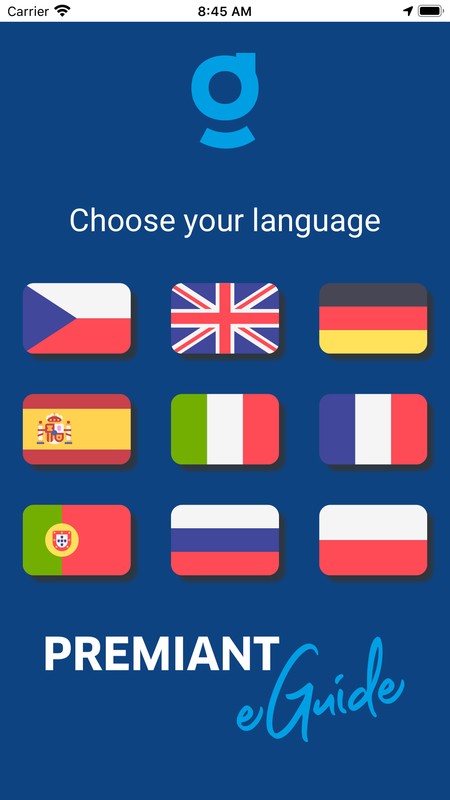
Choose the language. This app is available in 9 languages: English, German, Czech, Spanish, French, Russian, Italian, Portuguese and Polish.
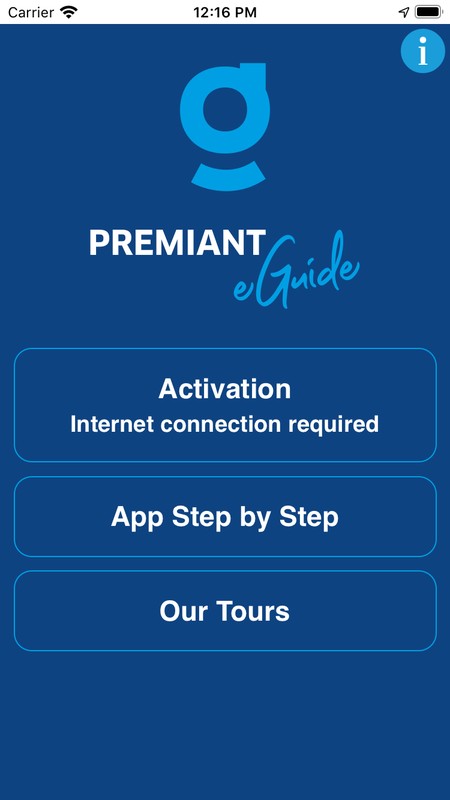
App Step by Step – here you can find the manual how to use the app. Activate the app by scanning QR code from the card, which you will receive from assistant in the bus – hold your card with QR code in front of your camera. Wait for maps and activated tours to be downloaded. If you want, you can turn off mobile data.
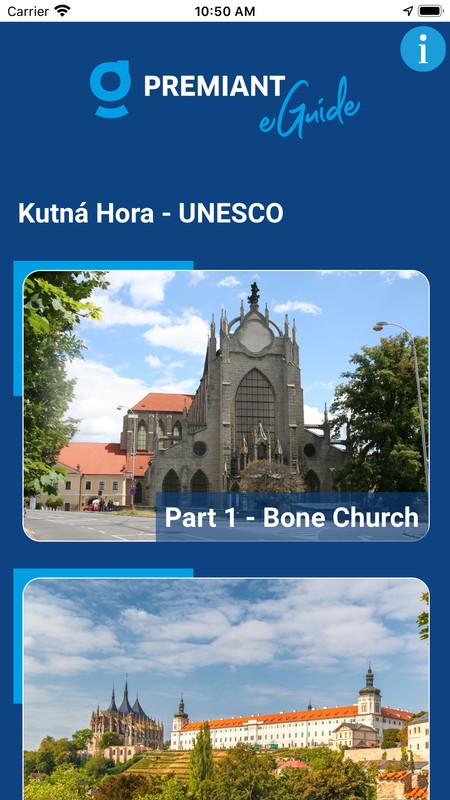
Download the activated tour by clicking on the button Tours and then on the name of your tour.
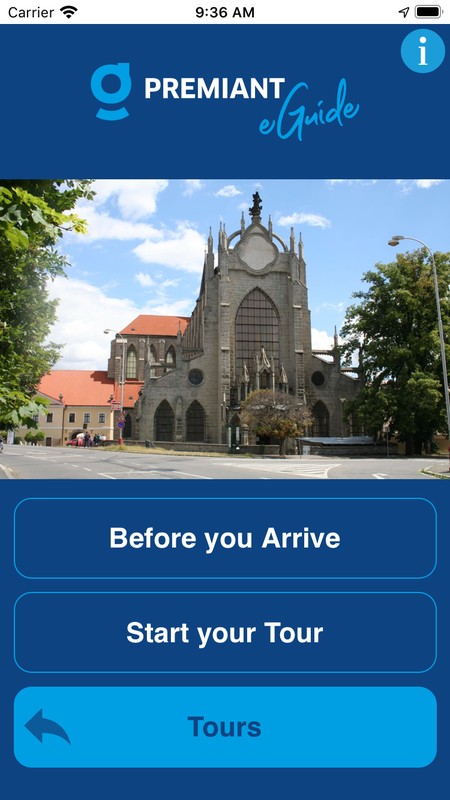
Before you Arrive – here you can find not only important but also interesting information about the tour which we recommend listening during your bus ride.
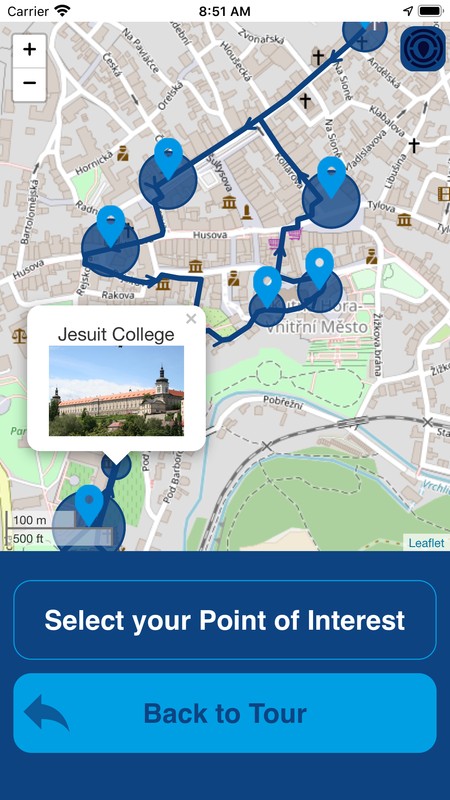
Start your Tour - On the map, you can see the points of interest and the recommended route leading to them. By clicking on the button in the top right corner you will see your actual position.
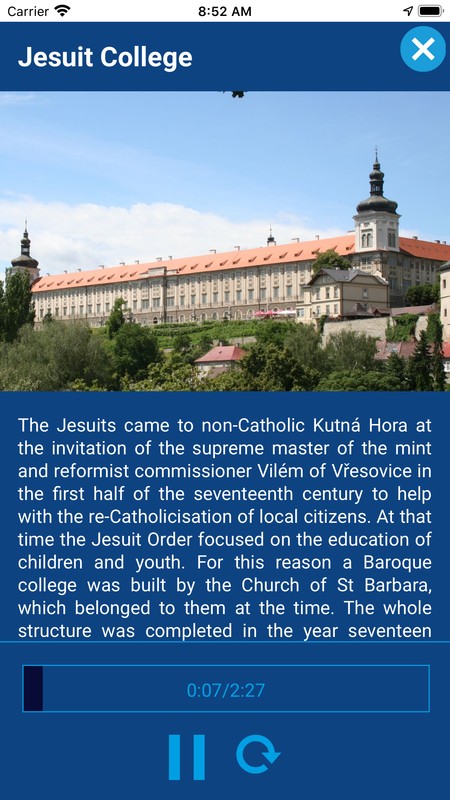
When you reach the point, information window will pop up and you will hear an audio guide which you can turn off by clicking the cross button in the top right corner. You can also start the audio guide by clicking on any point of interest.
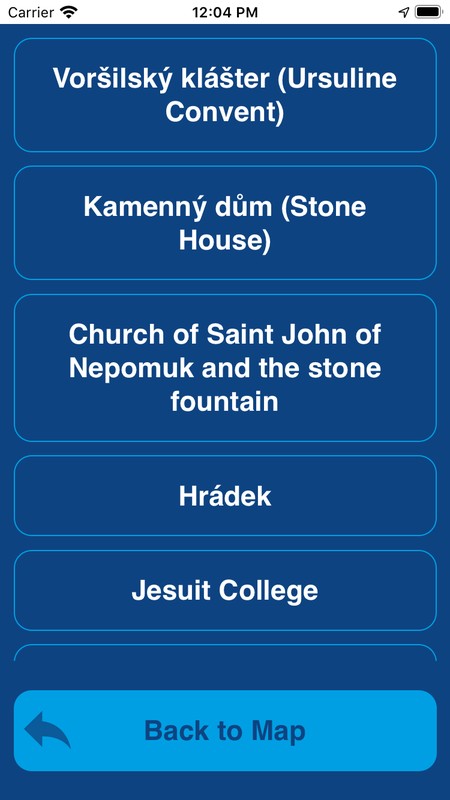
You will see the list of points of interest by clicking on the button Select Point of Interest. You can both read or/and listen to the information. So you are not limited to our recommended route and can change or skip any point.